Game Development - Learn and Play with Hand Gestures
BSP builds games and educational apps on the App Store: Math and English practice for grades 1-12, plus titles controlled by 5-finger tracking in front of the camera. No mouse, stylus, or controller required.
Featured on this page are six gesture-based products:
✓ WizLearn and Monster Word Hunt - letters, vocabulary, pronunciation; air-writing and spell challenges
✓ Air Hand Board and AirGesture Maps - presentations, PDF/slide markup, maps, and documents by gesture
✓ Little Hand - drawing and coloring by hand
✓ Five Slash Fruit - arcade fruit slicing with hand motion
Beyond these, BSP publishes many classroom apps for elementary through high school: grade 1-12 Math practice, English vocabulary (including World Pop Quest), exam sets, flashcards, and interactive exercises. Full catalog: App Store developer page.
Shared gesture model: pinch to confirm, point to select, fist to scroll, tilt or open palm to steer. Available on iPhone, iPad, and Mac.
We also build custom learning games and gesture tools for partners - curriculum design, camera tracking, rewards, and App Store release.
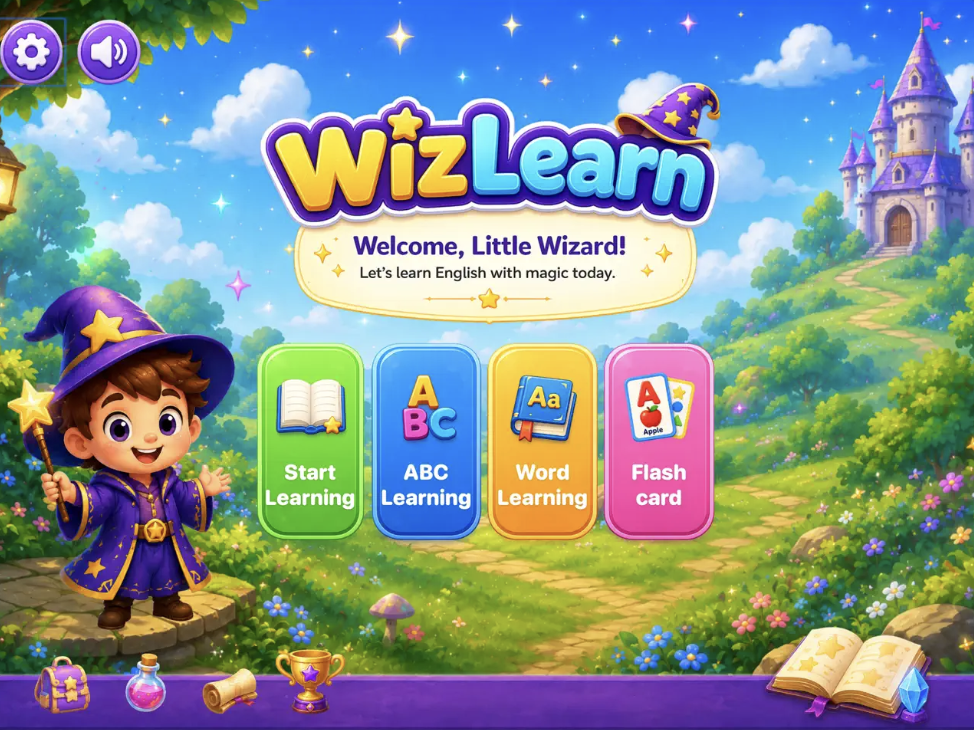
WizLearn
WizLearn is a magical English-learning adventure for children, combining letters, vocabulary, pronunciation, interactive lessons, and camera-based hand tracking to make learning engaging and fun.
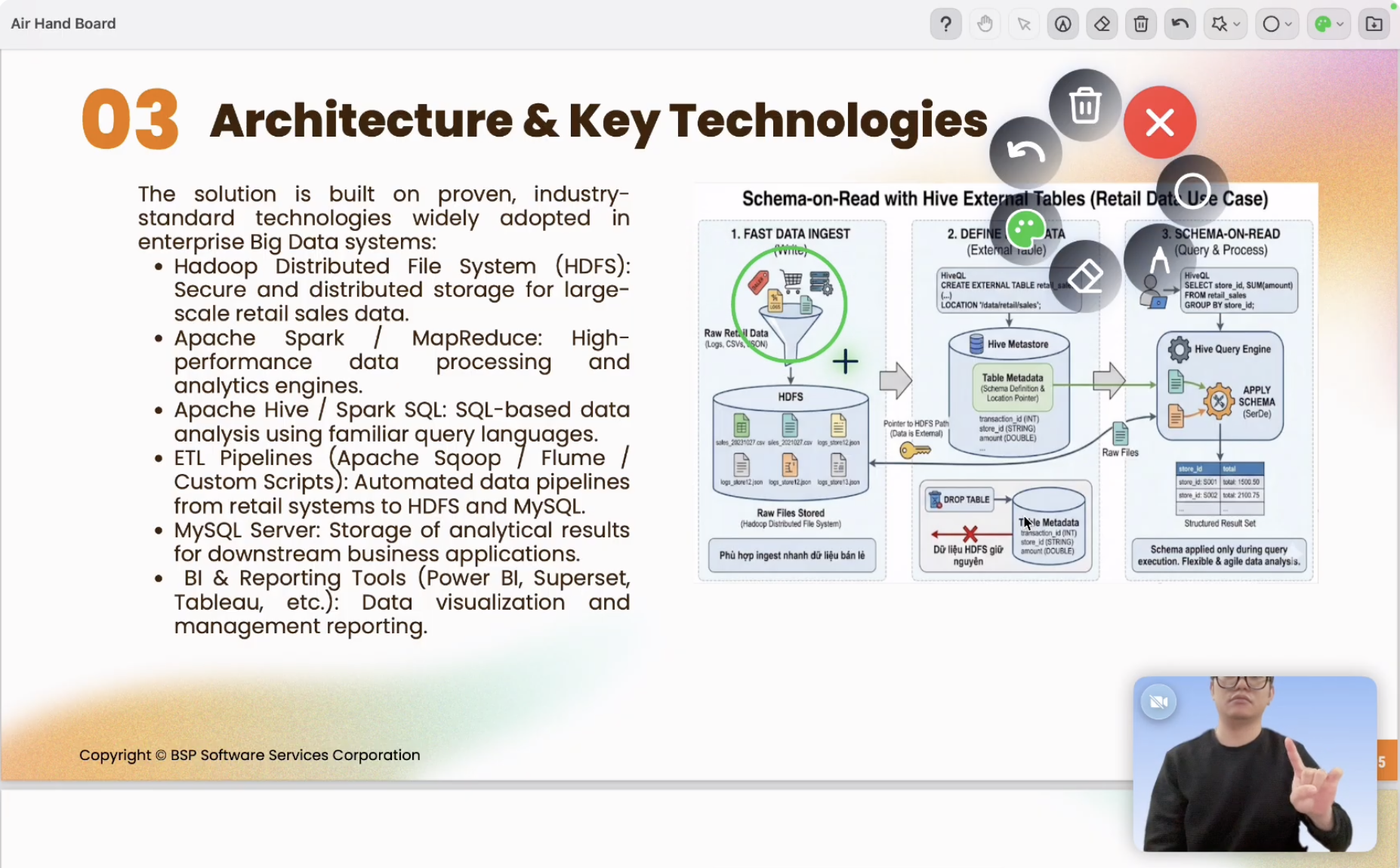
Air Hand Board
Air Hand Board is an interactive presentation and annotation tool that lets you control your screen using hand gestures through a camera, without a mouse, stylus, or physical interactive board.
✓ Hand Gesture Control: Control your screen with gestures such as waving, pointing, pinching, and grabbing.
✓ Drawing & Annotation: Draw and annotate directly on slides, PDFs, or displayed content.
✓ Shape Tools: Quickly create lines, arrows, circles, rectangles, and more.
✓ Smart Radial Menu: Access tools quickly through a gesture-controlled radial menu.
✓ PDF & Slide Support: Supports PDF, PowerPoint, and Keynote presentations.
Perfect For: Teachers, presenters, online classes, webinars, workshops, tutorials, product demonstrations, and brainstorming sessions.
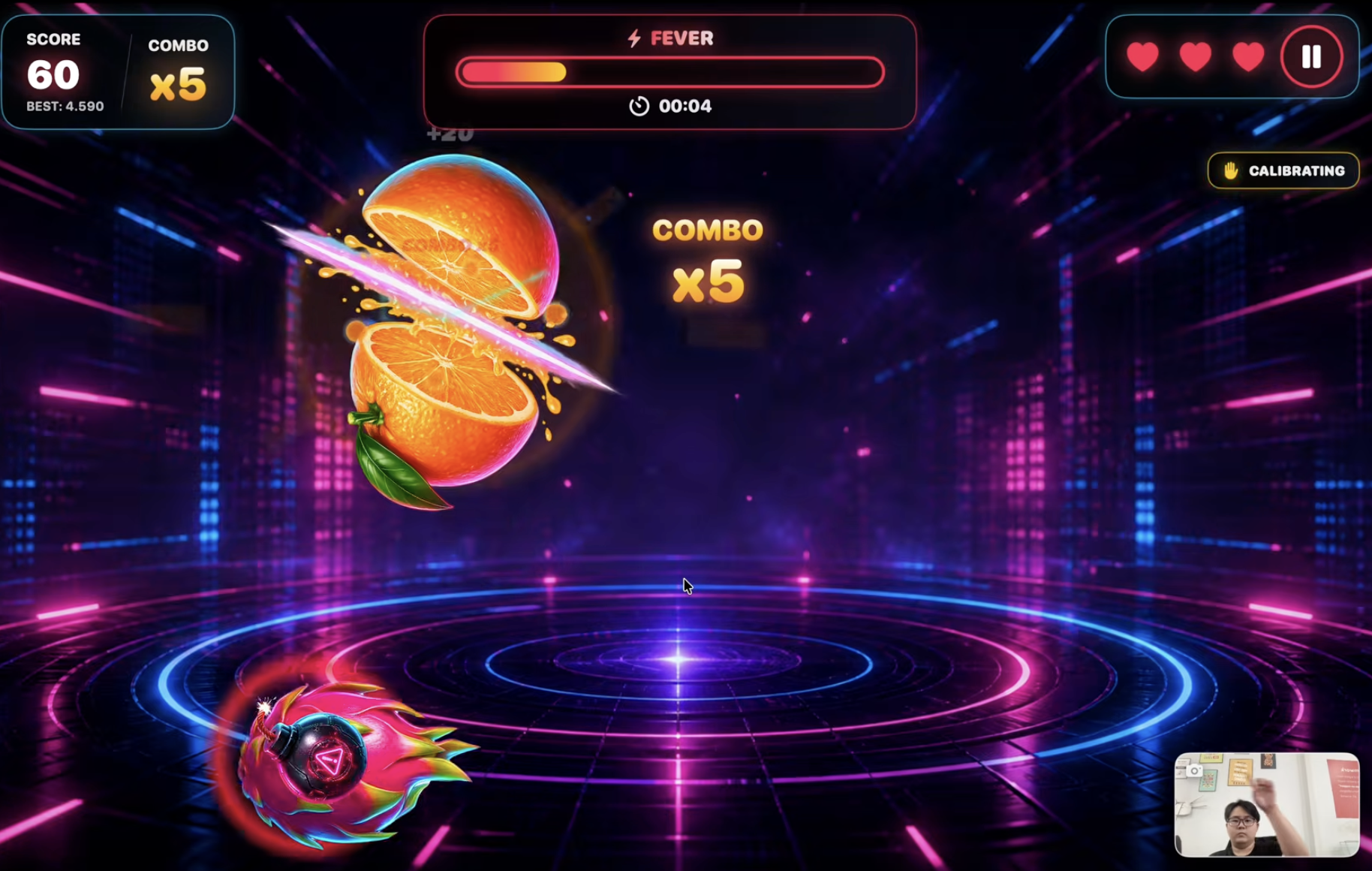
Five Slash Fruit
Five Slash Fruit is a fast-paced arcade fruit-slicing game featuring hand tracking or touch controls. Slash fruit, avoid bombs, and aim for the highest score.
✓ Classic: Play carefully and achieve the highest score.
✓ Time Attack: Score as many points as possible within a limited time.
✓ Training: Practice your timing, hand movement, and accuracy.
✓ Tutorial: Learn the gameplay with clear visual guidance.
✓ Game Center: Compete on the leaderboard.
✓ Audio Controls: Adjust music and sound effects.
✓ Full-Screen: Enjoy an immersive gameplay experience on macOS.
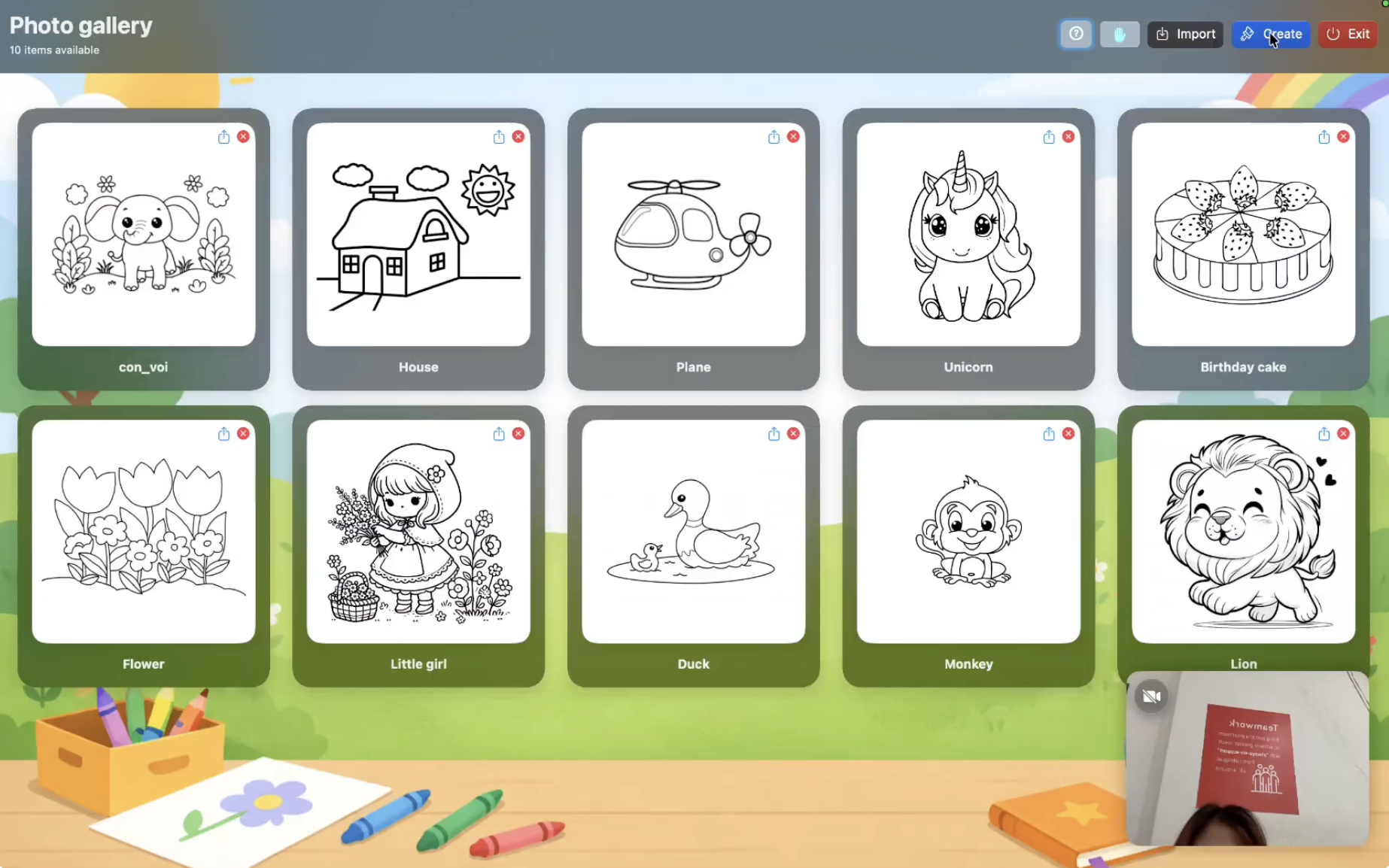
Little Hand
Turn hand movements into a creative tool—draw, color, and interact naturally without a mouse or touchscreen.
✓ Photo Gallery: Save, manage, and revisit artworks.
✓ Smooth Canvas: Natural drawing with Bezier smoothing.
✓ Smart Coloring: Fill areas while keeping outlines sharp.
✓ Gesture Controls: Pinch to draw, Point to select, Hover to activate, Fist to scroll.
Monster Word Hunt
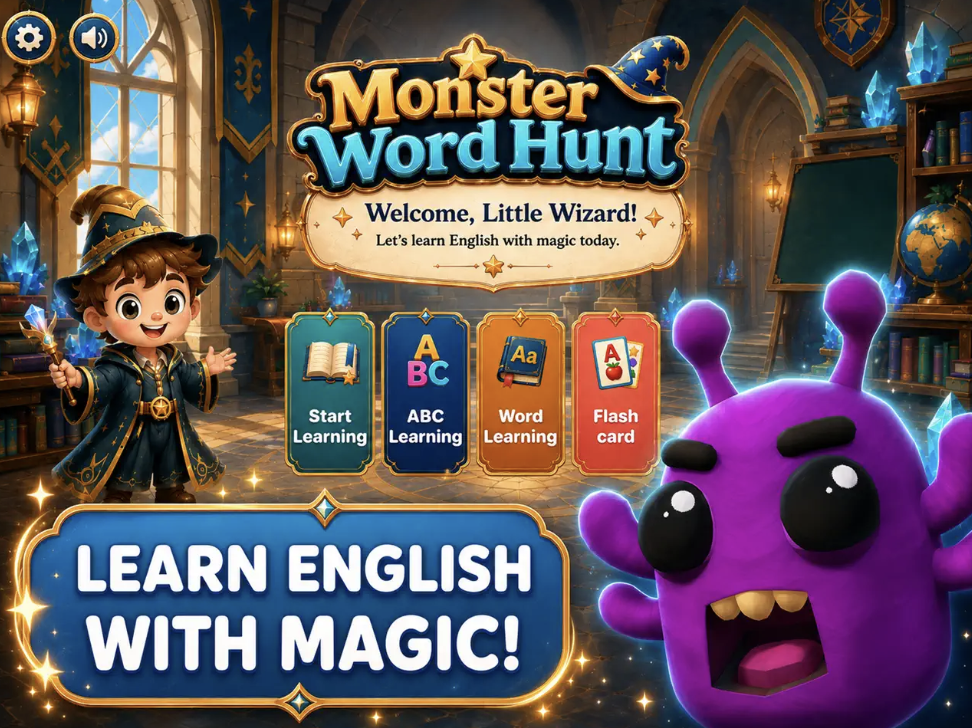
Monster Word Hunt turns English learning into a magical adventure.
✓ Alphabet: Learn A–Z with pronunciation and example words.
✓ Vocabulary: Practice words across 18 topics and 90 stages.
✓ Air Writing: Write letters and words using hand gestures and camera tracking.
✓ Monster Challenges: Complete quests, earn stars, build streaks, and improve scores.
✓ Learning Tools: Flashcards, handwriting recognition, audio feedback, and progress tracking.
✓ Camera Support: Best experienced with a camera-enabled device in good lighting.
AirGesture Maps
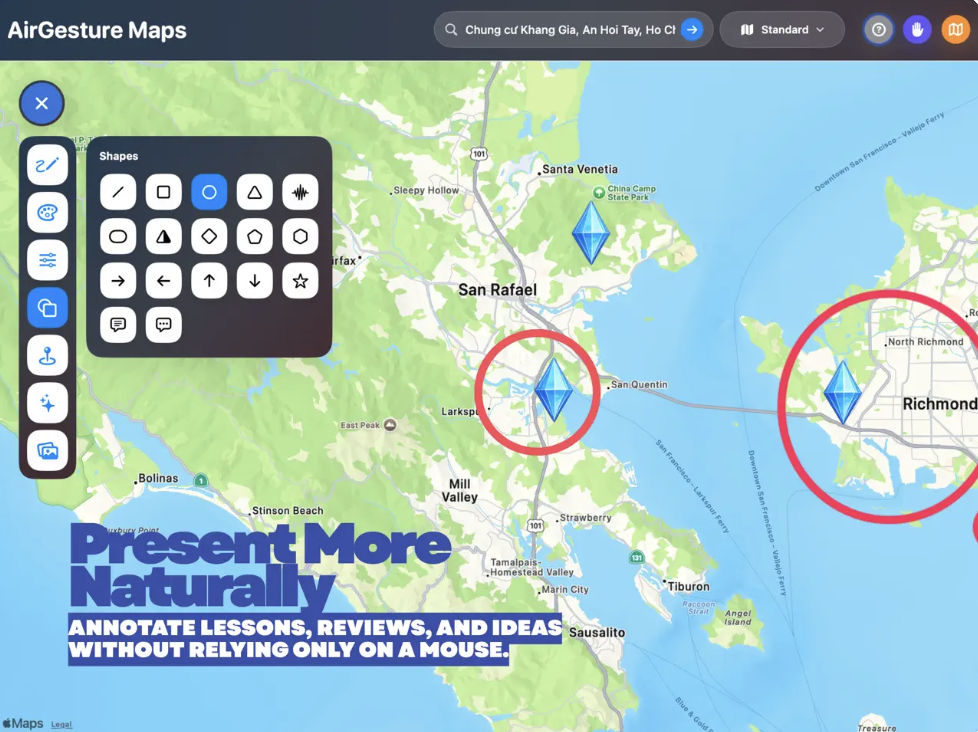
AirGesture Maps turns your Mac into a hands-free workspace for maps, documents, images, and presentations using camera-based hand gestures.
✓ Gesture Control: Point, hover, pinch, two fingers, and fist to draw, select, zoom, open menus, and scroll.
✓ Live Maps: Search places, add markers, shapes, and drawings that stay aligned while zooming or panning.
✓ Document Markup: Import and annotate PDF, images, PPT, and PPTX files.
✓ Creative Tools: Pencil, marker, eraser, shapes, stamps, and custom icons.
✓ Save & Export: Reopen projects and export canvases as PNG or PDF.
✓ Privacy: Camera is used only for gestures; location is used only for current-position maps.